Find Receipt on PayItClerkPBC
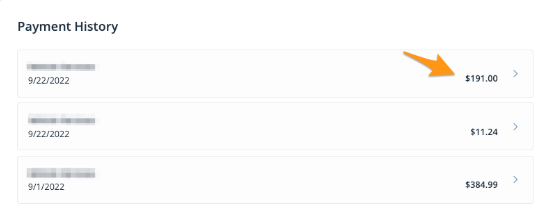
After completing a payment on PayItClerkPBC, a receipt will be sent via email. If you were signed in, a receipt will also be stored in the "Payment History" section of your profile. Follow the steps below to find a receipt in your profile:
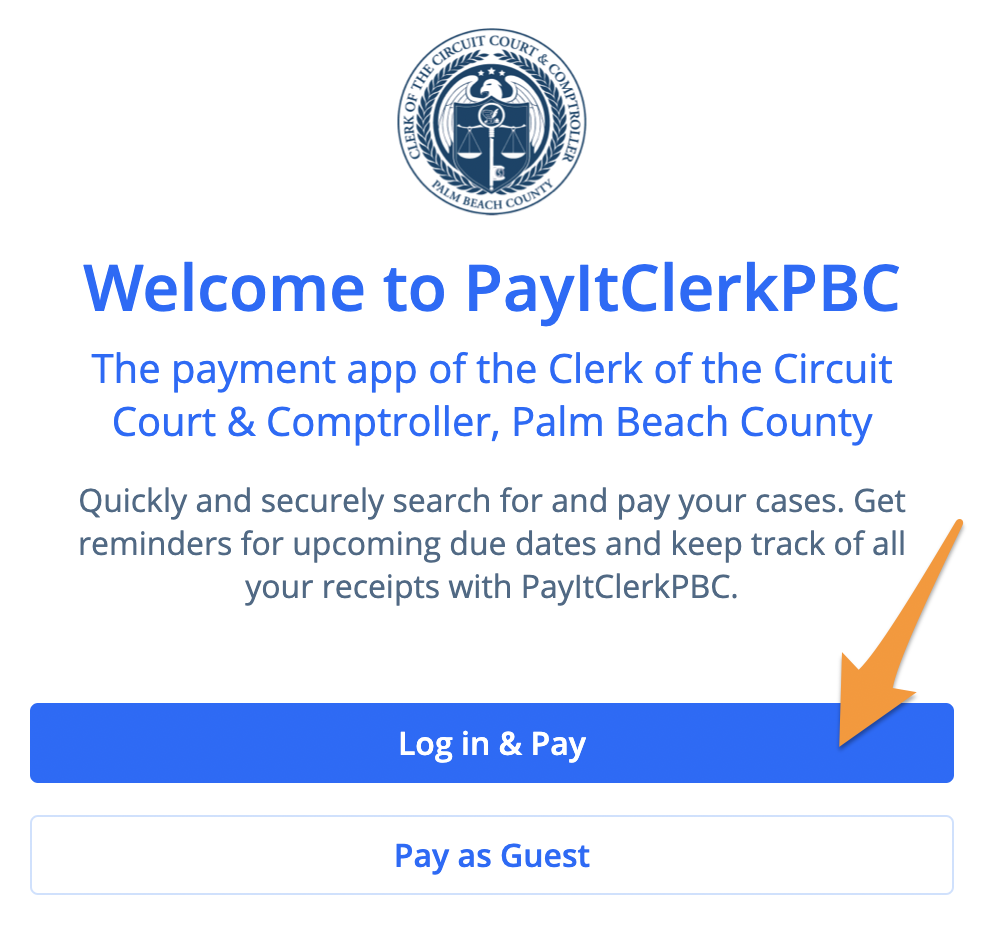
- Sign in to the PayItClerkPBC profile used to make the payment
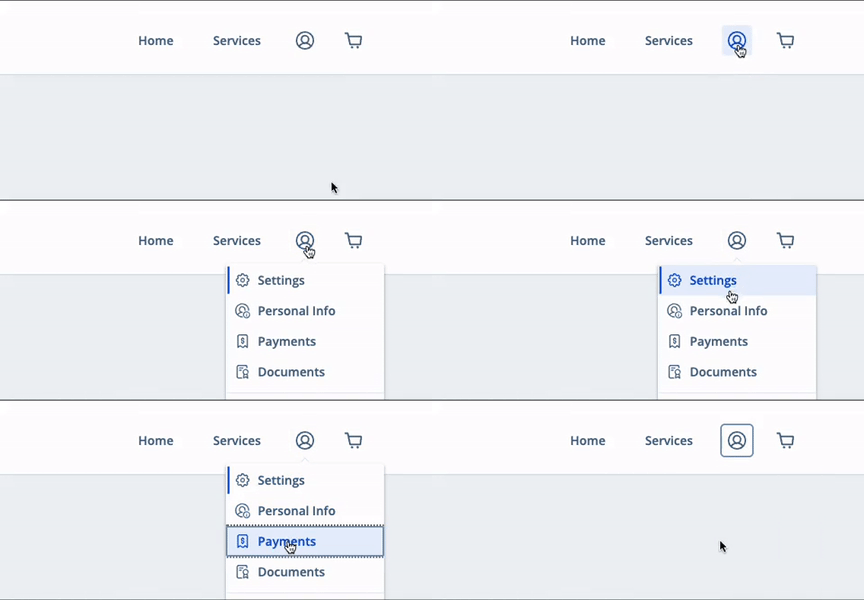
- Select the profile icon in the upper right corner and click Payments
- In the "Payment History" section select a receipt to view more information