
Enroll a Palm Beach County Payment Plan in AutoPay on PayItClerkPBC
To set up AutoPay for your payment plan, you must first have a PayItClerkPBC profile (see Create a Profile on PayItClerkPBC). After locating your account (see Find a Case or Citation on PayItClerkPBC), follow the steps below to enroll in AutoPay:
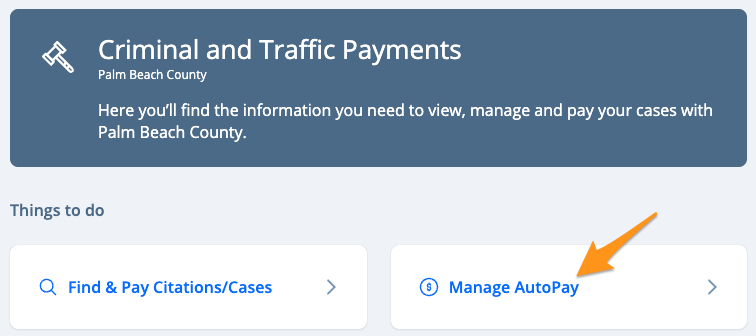
- Select Manage AutoPay
- Click Accept and Continue to accept the "AutoPay Terms & Conditions"
- Review the "AutoPay Details" and click Yes, continue AutoPay setup

- Confirm the email address associated with your profile by selecting Yes, use this email address

- Enter your Contact Information and click Submit

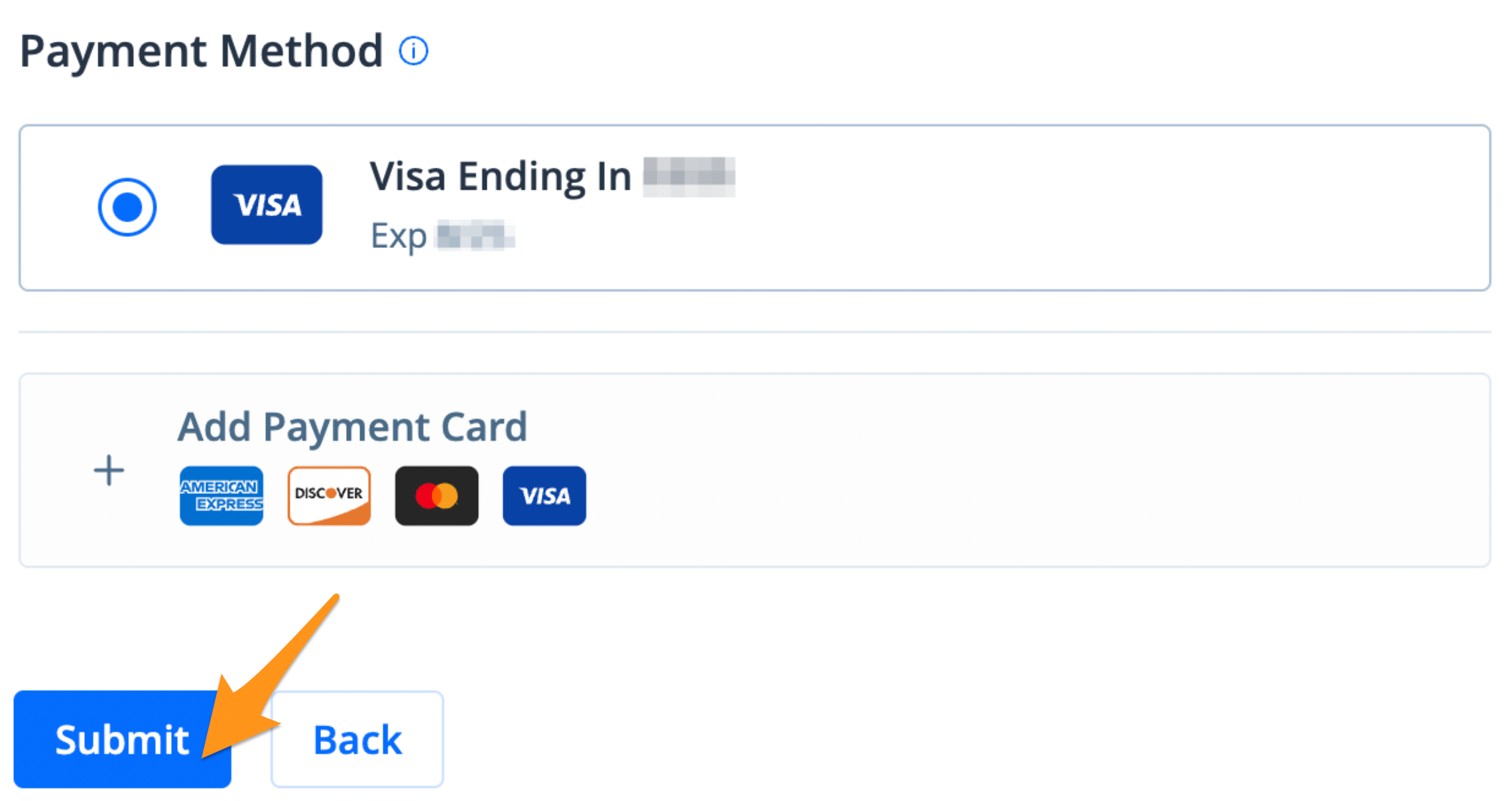
- Select a Payment Method and click Submit
- Review the "AutoPay Enrollment Summary" and select Yes, complete enrollment

You are now enrolled in AutoPay. You will receive an enrollment confirmation and email notifications when a payment is processed.
Related step-by-step guides: